
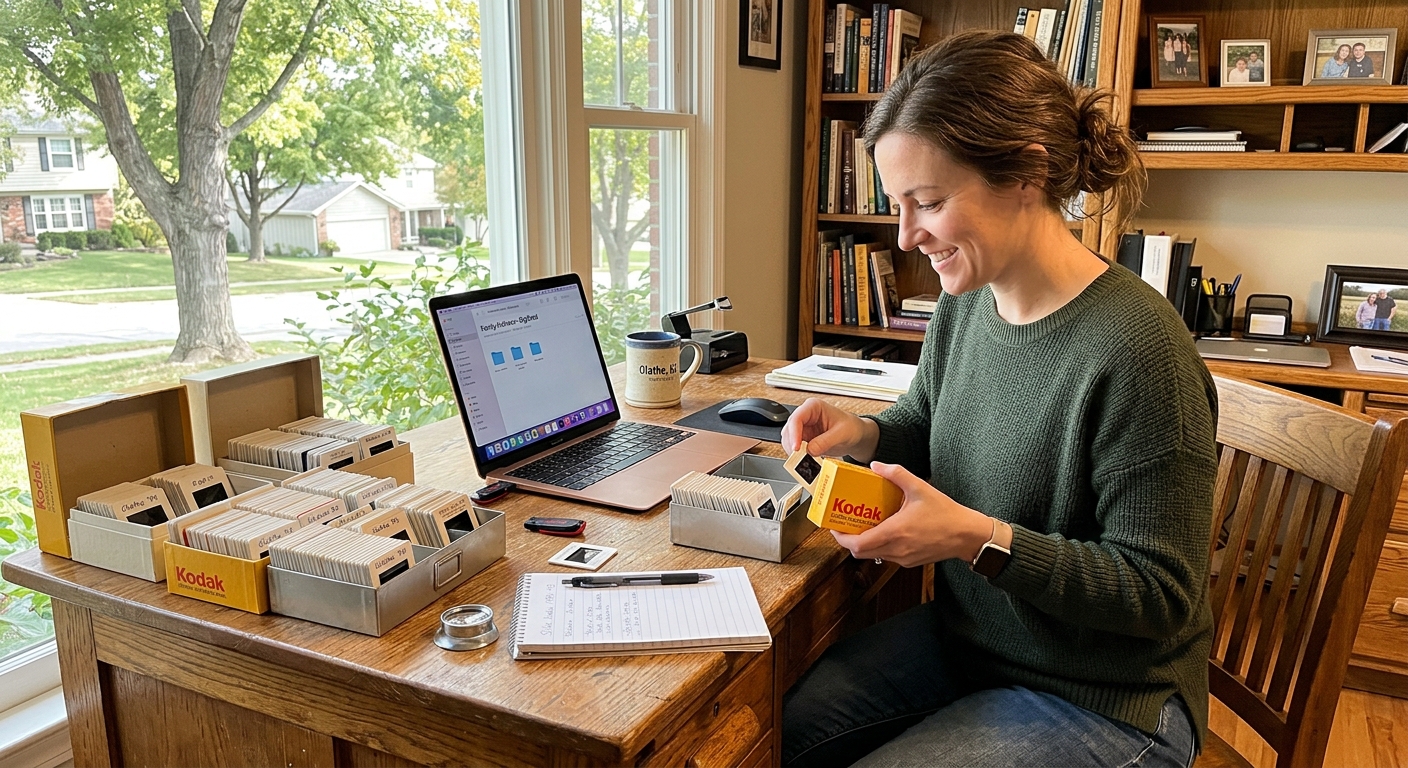
How to Transfer 35mm Slides to Digital and USB
To transfer slides to digital, you can use a DIY scanner at home or send your slides to a professional service that scans each frame to a high-resolution digital file and delivers the results on USB or other media. Professional services typically produce better color accuracy and resolution than consumer scanners, especially for older film types like Kodachrome. Picture This Video, Inc scans 35mm slides to digital and USB formats with equipment designed to handle the unique color profiles of vintage film stocks.
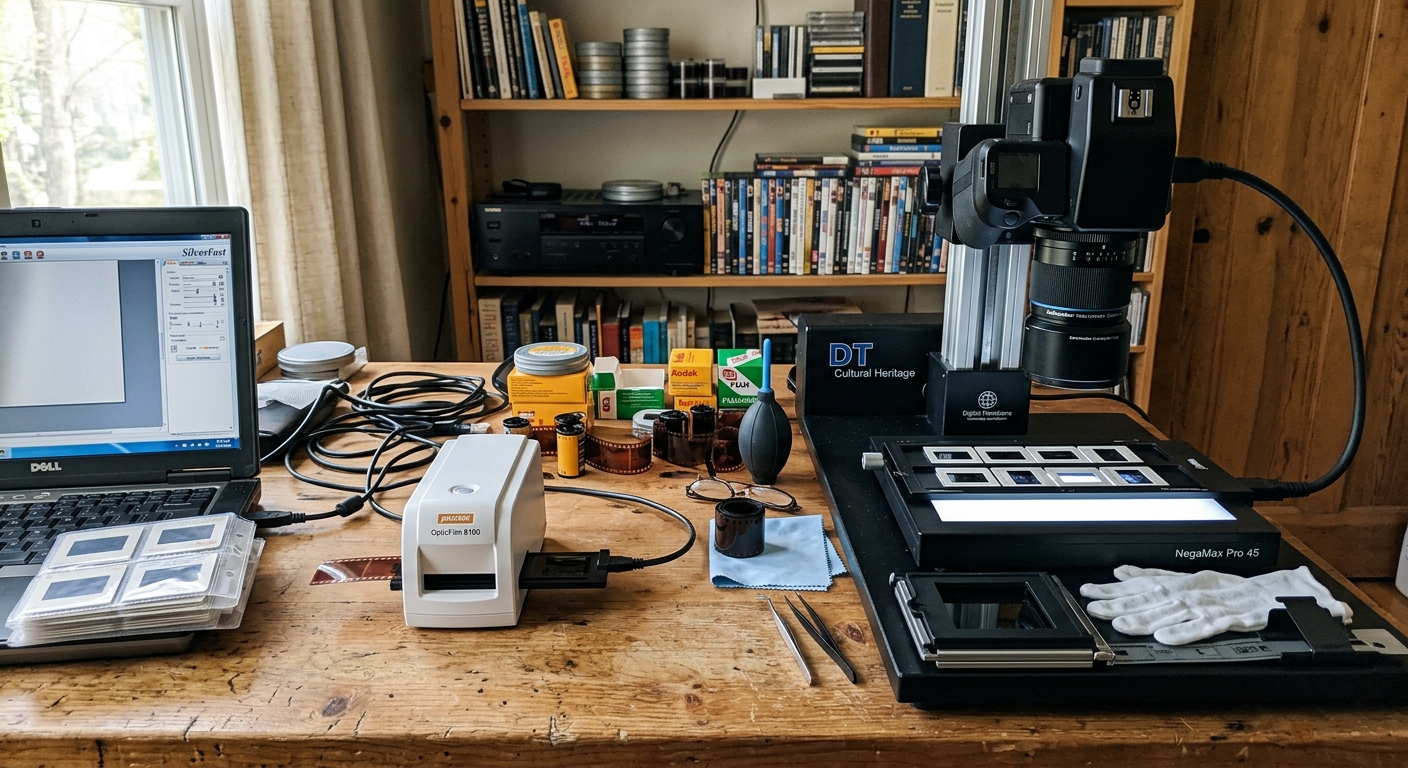
What are the pros and cons of DIY slide scanners versus professional transfer services?
DIY slide scanners cost less upfront and let you work at your own pace, but they often deliver lower resolution, inconsistent color, and require time to learn the software and clean each slide. Professional transfer services cost more per slide but use commercial-grade scanners that capture finer detail, handle difficult film types like Kodachrome more accurately, and include dust removal and color correction. If you have a small collection and don't mind experimenting, a DIY scanner can work. For larger collections or irreplaceable memories, professional scanning ensures consistent quality without the learning curve.
Picture This Video, Inc uses professional scanners calibrated for older film stocks, so colors and shadow detail are preserved accurately. You won't need to buy equipment, learn software, or spend weekends feeding slides one by one. Visit our 35mm slide scanning page to see how we handle different film types and deliver files ready to view, share, or archive.
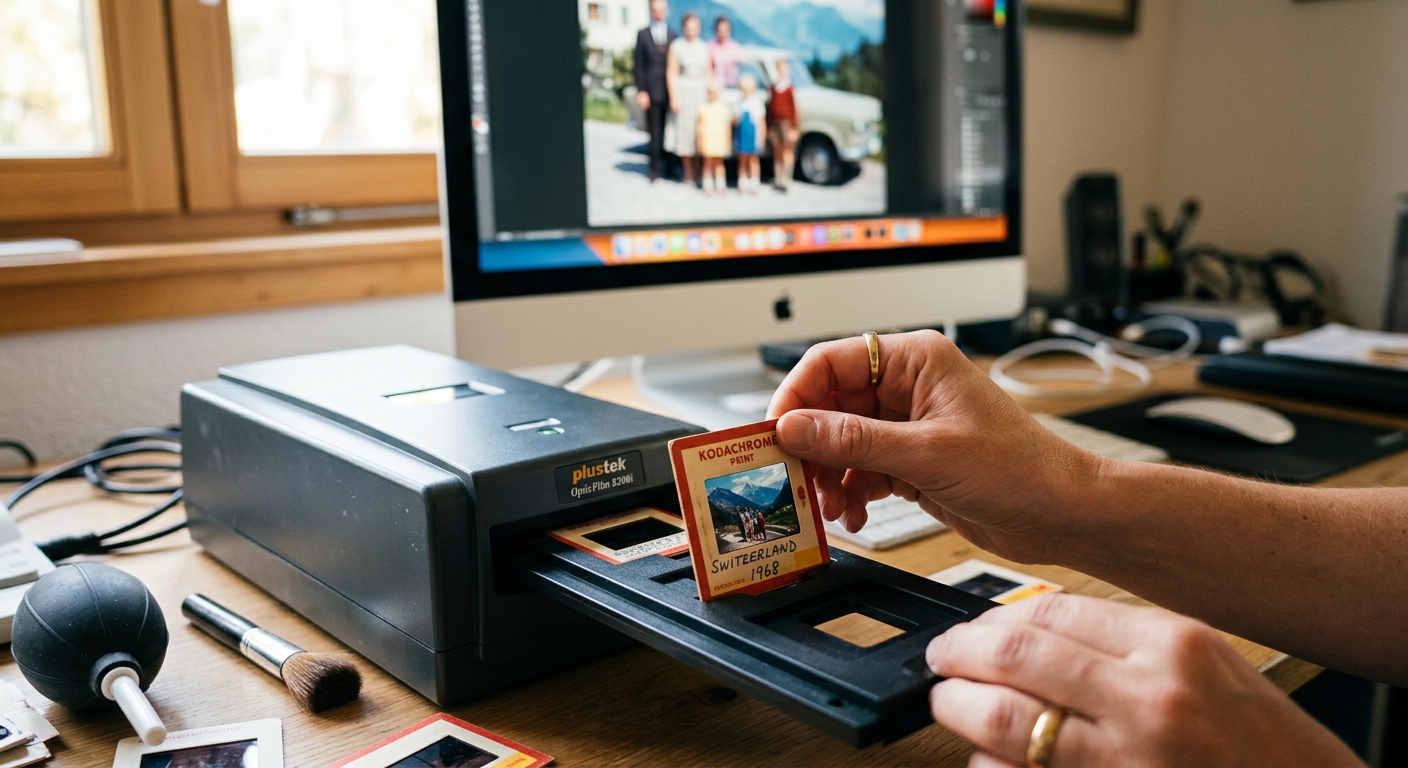
What is the best way to convert old Kodachrome slides to high-resolution digital USB formats?
Kodachrome slides require special attention because the film's color layers fade differently over time and standard scanners often produce washed-out or color-shifted results. The best approach uses a dedicated film scanner or professional service with profiles built for Kodachrome's unique dye structure. Scanning to at least 3000 DPI preserves fine detail and allows color correction during post-processing. The final files are saved to USB in JPEG or TIFF format for archiving, printing, or sharing.
Picture This Video, Inc converts Kodachrome slides to high-resolution digital files using equipment designed for older film types, so reds stay vibrant and skin tones look natural. We deliver scans on USB ready to use without additional editing. For details on file formats and resolution options, check our photo restoration services page.

How can you print physical photos directly from old 35mm slides?
You can print photos from old slides by first scanning the slide to a digital file, then sending that file to a photo lab or printing it at home. Some specialized photo labs still offer direct optical printing from slides, but digital scanning is now more common and gives you the option to adjust brightness and color before printing. Once the slide is scanned, you can print any size from 4x6 to poster-size depending on the resolution of the digital file.
Picture This Video, Inc scans your 35mm slides to high-resolution digital files and can arrange prints in standard or custom sizes. You'll receive both the digital files on USB and physical prints if you choose, so you can share prints with family and keep backups in the cloud. Visit our pricing page to see options for scanning and printing packages.
Frequently Asked Questions
How much does it cost to transfer slides to digital?
Professional services typically charge between 35 cents and one dollar per slide depending on volume, resolution, and additional services like color correction or dust removal. DIY scanners range from under one hundred dollars for basic models to several hundred for higher-end units, but you'll invest time learning the equipment and cleaning each slide.
What is the best way to transfer slides to digital?
The best way is to use a professional scanning service with equipment designed for film, especially if you have a large collection or older film stocks like Kodachrome. Professional services deliver consistent color, high resolution, and save you the time and learning curve required for DIY scanners.
Can major retailers like Walmart, Walgreens, and CVS convert old slides to digital?
Some major retailers offer slide scanning through mail-in services or in-store kiosks, but availability and quality vary by location. These services are convenient but may not handle difficult film types as well as dedicated photo labs or specialty services.
What is the cheapest way to digitize slides?
The cheapest method is to use a smartphone with a slide adapter or backlight, though image quality will be lower than a dedicated scanner. Budget flatbed scanners with slide attachments are the next step up, but professional services often deliver better value per slide when you factor in time and consistency.
Can you print pictures from old slides?
Yes, you can print pictures from old slides by first scanning the slide to a digital file, then printing that file at a photo lab or home printer. Picture This Video, Inc can handle both scanning and printing so you receive prints and digital files in one package.
